

Guide to using iframes
This guide has a more up-to-date version
⚠️ This guide is outdated. The admin now generates the shortcode and the iFrame code for each product from the "Embed code" modal, and some details on this page have changed (for example, for individual rental products the product_type parameter is no longer required). See the updated guides:
How to embed your Lueira activities in your WordPress website: step-by-step guide using the modal.
Lueira Embed plugin: technical reference: all the shortcode parameters, URLs, CSS and requirements.
💡 The iFrame does not require your website to be WordPress: you can paste it into any website that lets you insert HTML.
Guide to using iframes
The Lueira platform lets you add iframes to your own website so you don't have to redirect customers to the Lueira online store and they don't have to leave your website. This lets you keep the SEO of your own website.
It is important that your website is built with WordPress. Lueira Embed makes it easy to add Lueira marketplace activities inside your WordPress posts and pages using a Shortcode. The plugin adds a button that opens a tab containing an iframe with the embedded activity.
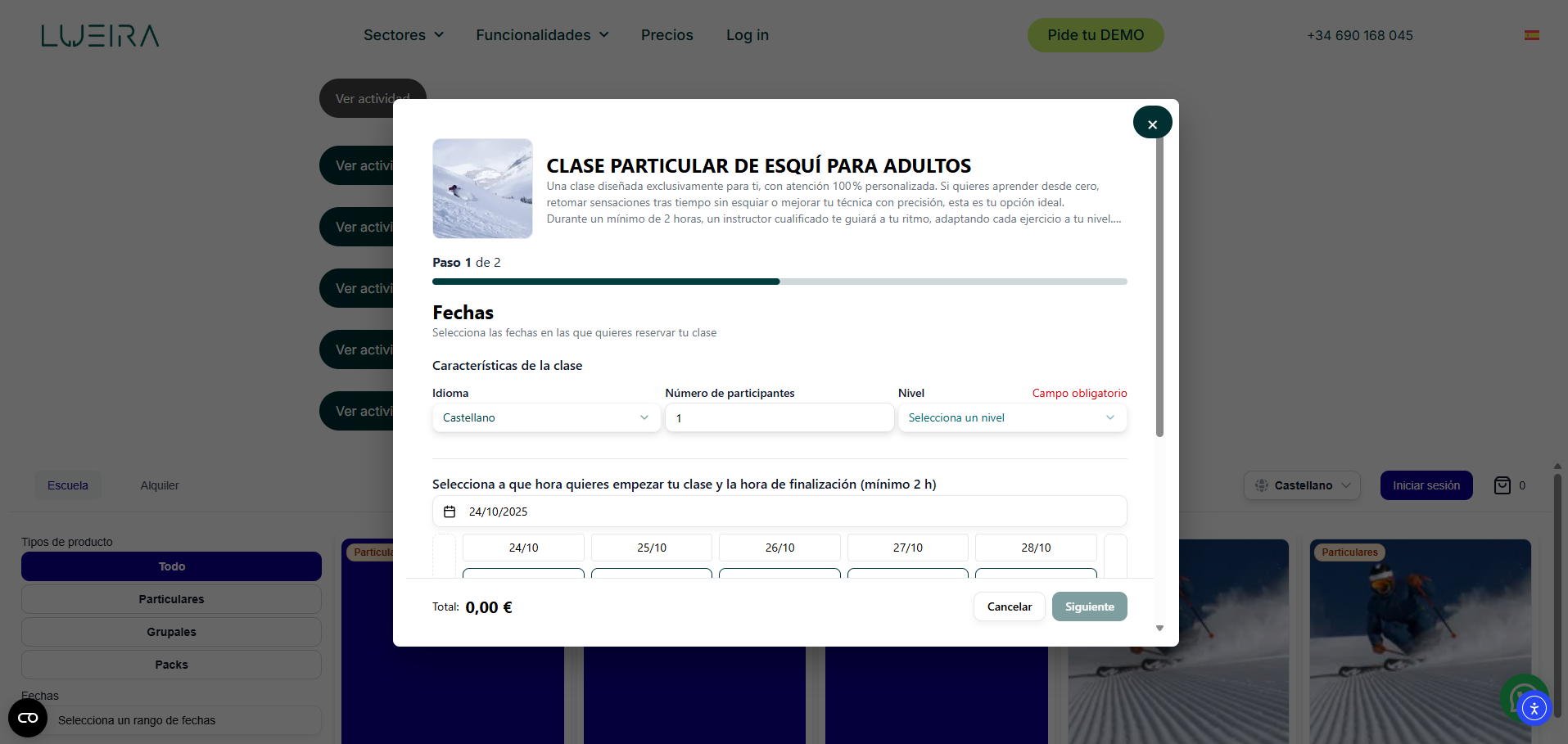
The main features of this option:
Easy integration: embed Lueira activities with a Shortcode, with no technical knowledge needed.
Responsive design: the modal automatically adapts to any device.
Accessible and secure: it complies with ARIA standards and uses a protected (sandboxed) iframe.
Customizable: you can change the button text and apply your own styles.
Simple setup: it includes language options and settings from the WordPress panel.
How to install it on WordPress:
Upload the files to the
/wp-content/plugins/lueira/folder.Activate the plugin from the Plugins menu in your WordPress panel.
(Optional) Go to Settings > Lueira Embed to set the URL of your center in Lueira.
Iframe configuration instructions:
Administrator settings
Go to Settings > Lueira Embed in the WordPress panel to configure:
Host URL: the base address of the Lueira marketplace (default: https://store.lueira.com)
Usage: basic Shortcode
[lueira id="cd2j3bkk7mdnur3r857g" module="school" product_type="private"]
Shortcode parameters
Parameter | Required | Default | Description |
| Yes | - | The ID of the activity to embed |
| Yes | - | The module type (for example, "school", "rent") |
| Yes, except for individual rental products | - | The product type (for example, "private", "group" and "group-package" for school; "product" and "bundle" for rental) |
| No | "es" | The language code used to display the localized content (default: "es") |
| No | "View activity" | The text shown on the button |
| No | - | Additional CSS classes for the button |
Examples
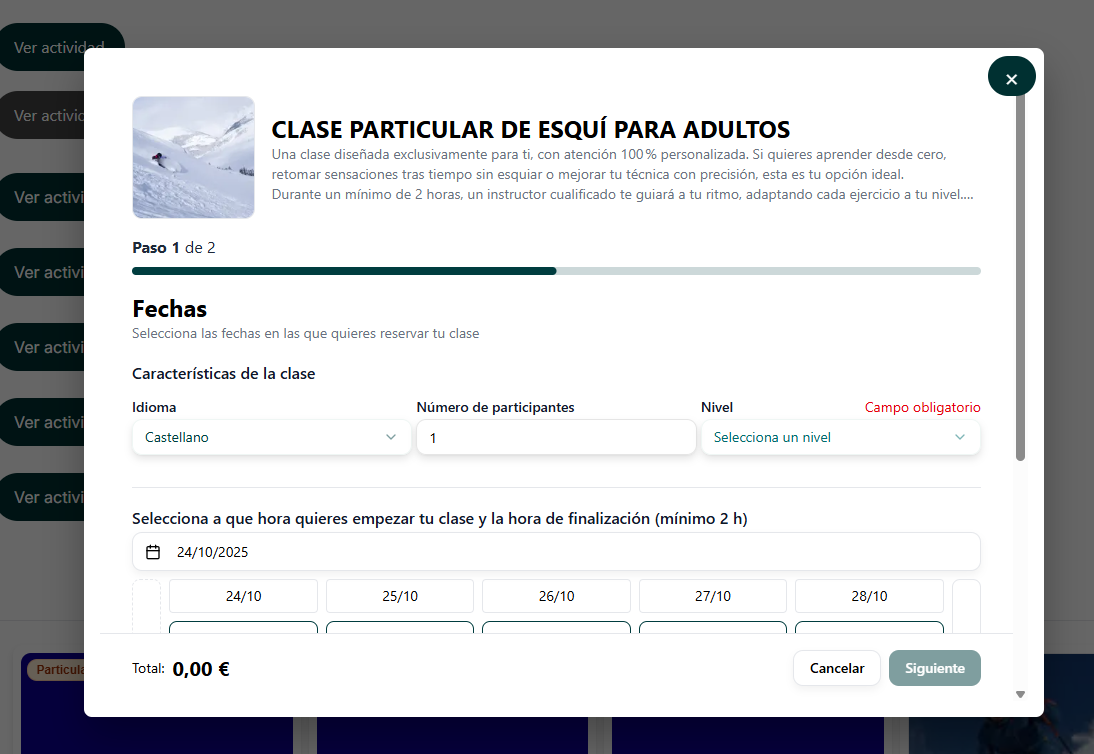
School activity (private): [lueira id="456" module="school" product_type="private" button_text="View Activity"]

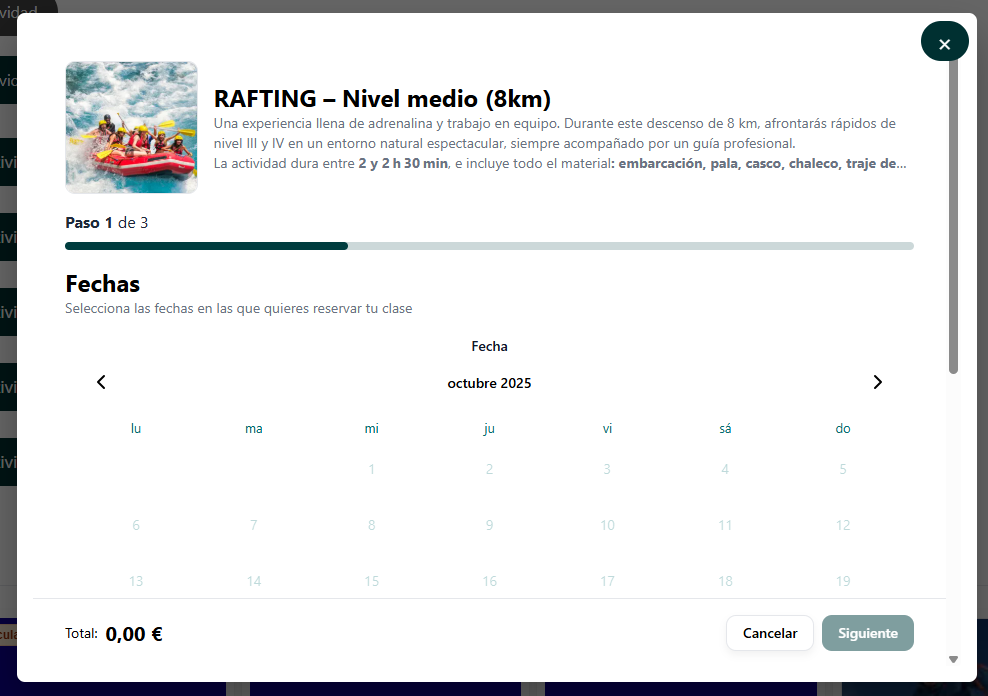
Rafting group pack: [lueira id="789" module="school" product_type="group-package" lang="es" class="btn-primary" button_text="View Activity"]
Structure of the generated URL
The plugin generates URLs in the following format: {host_url}/{lang}/embed/{module}/{product_type}/{activity_id}For example:
Styles
The plugin includes default CSS styles for the modal and the button. You can customize their appearance in the following ways:
Adding custom CSS classes through the
classparameter.Overriding the plugin styles from your theme.
Directly editing the included
modal.cssfile.
CSS classes
.lueira-embed-button-wrapper- Button container.lueira-embed-trigger- Button that opens the modal.lueira-embed- Main modal container.lueira-embed__backdrop- Modal background or overlay.lueira-embed__dialog- Modal dialog box.lueira-embed__close- Button to close the modal
Compatibility
Modern browsers: Chrome, Firefox, Safari and Edge.
Mobile-friendly (responsive) design.
Accessibility compliance with ARIA attributes.
Security settings
The embedded iframe includes the following sandbox security attributes:
allow-same-originallow-scriptsallow-popupsallow-formsallow-top-navigation-by-user-activationRequirements
WordPress 5.0 or later
PHP 7.4 or later
Version 1.0.0
Shortcode implementation with an overlay modal
Settings page in the administrator
Responsive design
Multi-language support
Iframe with security sandbox
If you have any questions about how to set up iframes on your website, don't hesitate to contact us!
Related guides
- Online store settingsThis guide shows you how to set up your online store in Lueira, including the purchase (checkout) form fields that can be shown as visible or required.
- Purchase form fields in the online storeHow to configure which fields appear in the online store checkout form and which ones are required for the customer.
- Automatic invoicing in the online storeHow to set up the automatic generation of invoices and receipts when a payment is completed in the online store, including numbering series and compatibility with Verifactu and TicketBAI.
- Product order in the Online StoreGuide to defining the order in which products are displayed in the Online Store
- Product page layouts in the Online StoreLearn how to choose between the 4 layouts available for your Online Store's product page and how to preview them before enabling them
- Online store screen layoutThe online store shows School/Center/Activities, Rental and Sales as separate tabs depending on which modules are enabled on your account.